Work lives on your installation
Conversations and work records are stored on the machine or server running Vakyartha. If someone else operates that server, they control its storage and access.
Your control
Give Vakyartha room to help.
Choose its access, understand its actions, and keep a hand on the work.
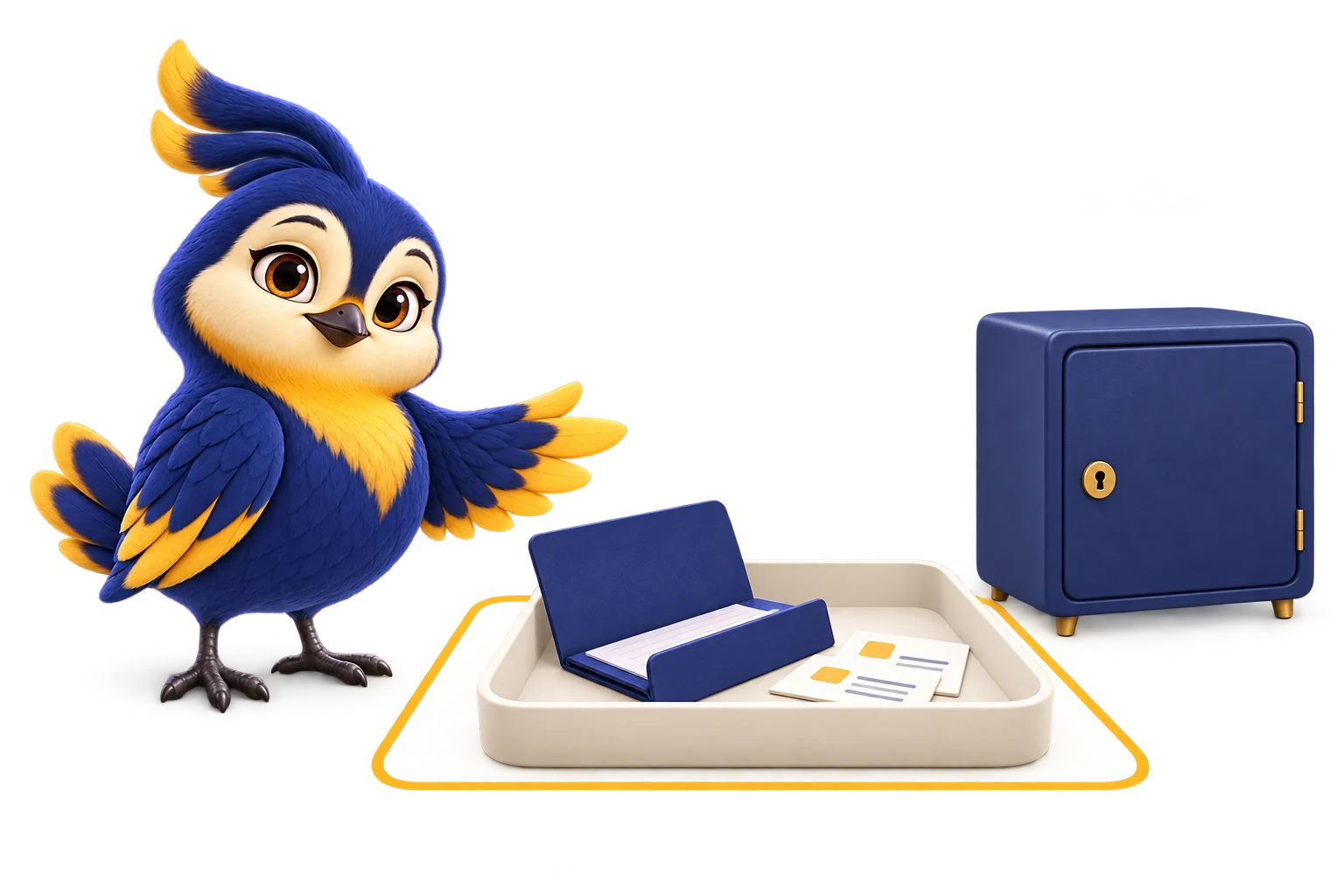
You choose the access.Folders, tools and connected services.
Actions follow your rules.Allowed, approval needed, or blocked.
You can follow the outcome.What ran, what returned, what remains.
01 / Choose the space to work
A writing task may need a document folder. Research may need a connected service. Choose the working area and tools for the job, then let Vakyartha work within those rules.
Read-only mode is for inspection. Its default file permissions allow reading inside the workspace and deny file changes.
Read-onlyWorkspace-write mode allows work in the chosen folder. Commands and other tools still follow their permission and sandbox rules.
Workspace-writeFull access removes the operating-system sandbox. It is an explicit trust decision; Vakyartha never selects it automatically after a denial or failure.
Full accessThese describe the modes’ defaults. Explicit rules, scoped exceptions and connected tools also shape what is allowed. Choose them with the same care as the mode.
Restricted file tools check the resolved path, including symbolic links, against the workspace. File and command operations run through a broker that validates the request before a worker executes it. If a required restricted sandbox is unavailable, execution is refused.
02 / A decision at the right moment
Allowed actions can run within your chosen access. Actions that need approval wait for a decision. Blocked actions stay blocked.
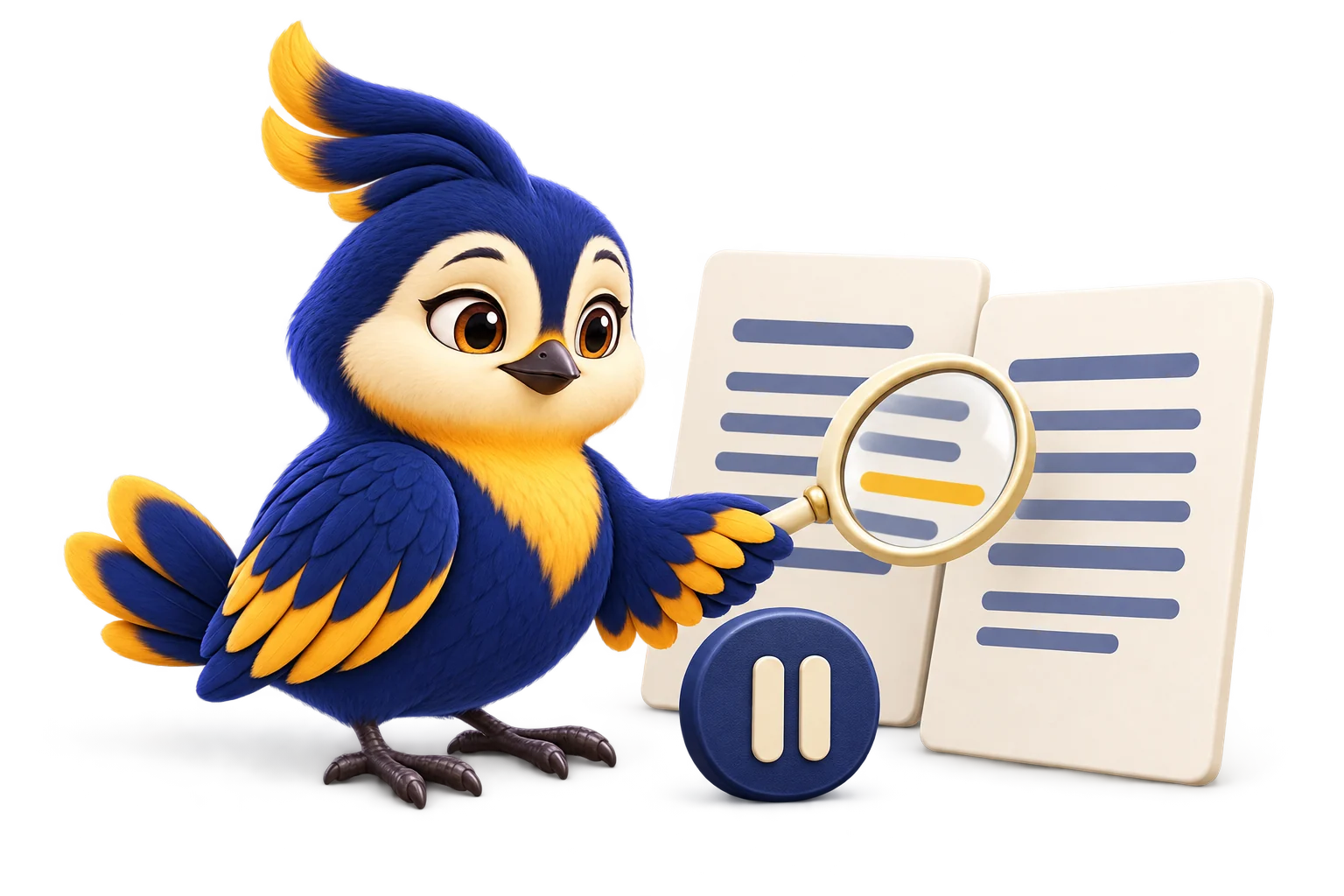
Try an example review
You asked for an updated delivery date. Here is the proposed change to inspect.
Delivery note · proposed edit
This shows a review decision. It does not mean every edit asks first: actual prompts depend on the action, your permissions and the workflow.
For unattended chat work, an approval that cannot reach its configured approver, times out, or receives no answer is denied.

03 / Know where information goes
Conversations and work records are stored on the machine or server running Vakyartha. If someone else operates that server, they control its storage and access.
Relevant requests, files or messages can go to your chosen AI provider, tool or chat service. Its own data practices apply. A local model is an option; other connected tools may still send information out.
Stored credentials use an operating-system secret service, or an encrypted-file fallback. Tool processes receive a limited environment, with credentials supplied only through explicit configuration for the intended tool.
You can review, edit and remove saved memories. Recall follows the Agent and authorised audience; a new chat connection does not automatically share private history. Conversation history and saved memory are separate records.
Moving a conversation to Trash hides it from normal lists, search and model recall. Today, Trash hides rather than permanently erases. Do not treat it as secure deletion.
This website explains the product and serves its images and downloads. It does not receive conversations from your installation. The website’s hosting provider still receives ordinary web-request information; details are on the privacy page.
04 / Familiar chats, deliberate connections
Telegram, Slack and Discord make Vakyartha easier to reach. Each connection still needs its own admission, workspace and policy.
By default, an unknown chat waits for review. An empty allowlist does not mean everyone is allowed.
Bot and chat settings can narrow the workspace’s access. Pooling a runtime gives the chat no extra authority.
Different bots in the same chat keep separate bindings. Replies use the transport identity configured for that target.
The server starts on loopback by default. Access from another device requires explicit configuration, authentication and appropriate transport protection. Connecting an account does not automatically expose your computer to the internet.
05 / Stay with the work
You can interrupt work. Partial output is preserved. Stopping cannot undo an action that already took effect, so inspect the result before continuing.
A permission-mode change cancels work using the old mode and rejects pending approvals. The next execution must use the new limits.
Configure per-run and daily model-spending limits. Budget admission checks paid dispatch; missing pricing cannot silently bypass a configured dollar limit. Usage estimates are not the provider’s final invoice.
Follow the expenditure ↗A draft, a saved change and a delivered message are different outcomes. The ledger records requests, attempts and results so you can inspect what happened and what is still unresolved.
Explore the ledger ↗06 / More than a promise in a prompt
Vakyartha checks authority before dispatching tools. A web page, document or model response does not get to grant itself more access.
AI can still misunderstand a request, miss a detail or produce a wrong answer. Read consequential changes and approval requests carefully. These controls reduce exposure; they do not make every action or answer safe.
Meet DoctorThe permission engine decides whether an action is allowed, needs approval or is denied. The broker and operating-system sandbox constrain restricted execution. Clicking an approval does not silently switch a restricted run to full access.
Configured development-server previews have a separate listening allowance on supported platforms. A preview bound to every interface can be reachable from the local network. Use its configured address deliberately.
Read the security boundaries ↗External content is treated as untrusted input. It may contain misleading instructions, so model understanding alone is not the security boundary. Requests still face permission checks and restricted execution rules. A convincing request for approval still deserves your scrutiny.
Vakyartha can save preferences and propose reusable skills. New reusable skills require review and approval before promotion. Learned preferences and inferred intent do not grant wider access.
The code is open source. Start with the permission engine, tool broker and credential store.